Planning questions
- How can technology help learning?
- What can a human teacher offer that a screen cannot?
- Should classrooms ever be run entirely by computers?


PersuasiveYears 3–9
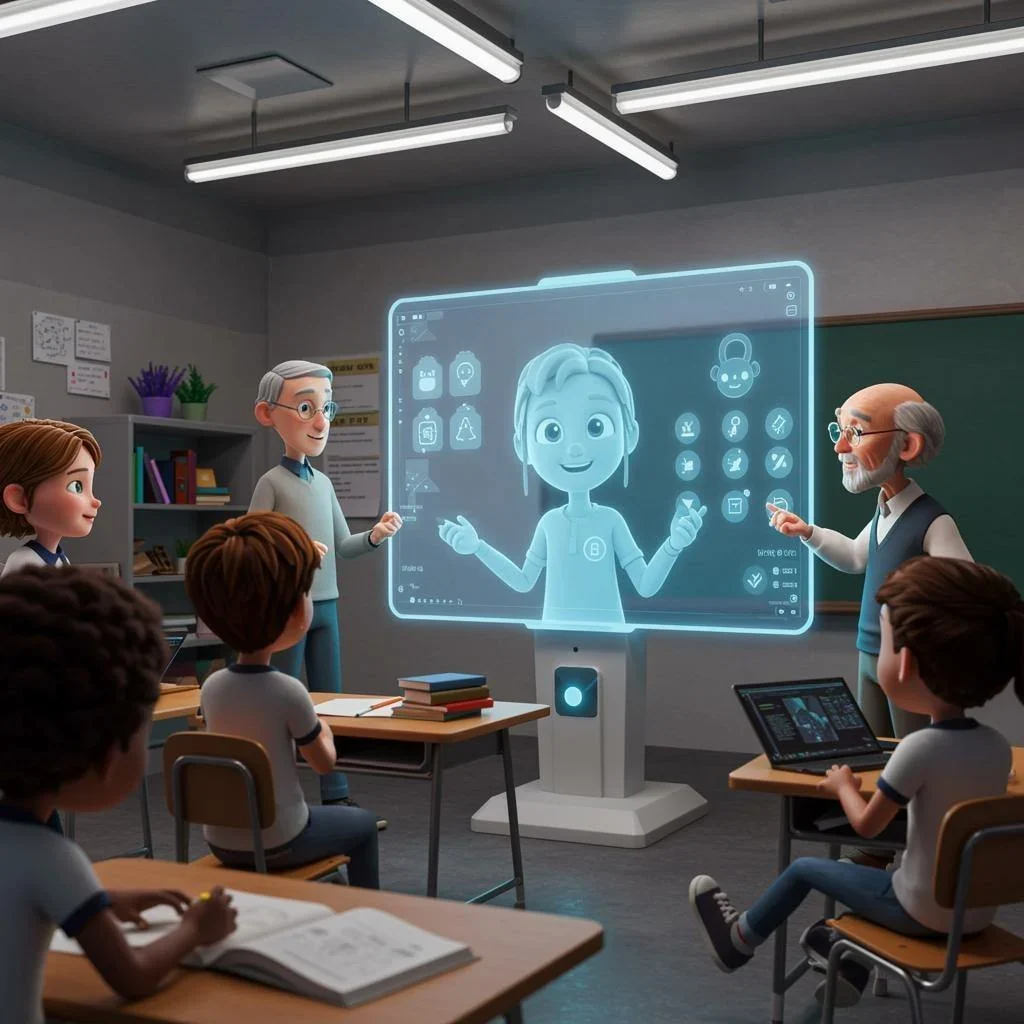
Write to persuade a reader whether technology should replace teachers in the future.
Make your position clear and support it with reasons and examples.
PersuasiveYears 3–9
Should Screens Replace Teachers?
Write to persuade a reader whether technology should replace teachers in the future.
Make your position clear and support it with reasons and examples.
List what technology already does in your classroom, then what only people do. The two lists give students reasons for either side.
Support: Write one paragraph for each reason, and open each with a clear topic sentence.
Extend: Choose precise words for each claim: “replace”, “support” and “assist” mean different things, so use the one your argument needs.
Choose one skill from your current teaching. Model it and practise it together before students write, then check it again in a later task.
How to teach persuasive writingOriginal NAPLAN-style practice for Years 3–9. Not an official ACARA prompt. Print and share with your class.
Writing Boost marks students’ writing and gives each writer feedback for their next draft.
Bring typed work into Writing Boost, or review a transcript of a handwritten piece before sending it for feedback.

Students see what is working and where to focus next, with a specific change to try in their draft. From “improve your vocabulary” to a next step a writer can act on.

Feedback stays close while students revise. Compare versions to see what changed and talk about why. Students make the changes. The writing stays theirs. See a writing example

See criterion results across your class, spot shared needs and strengths, and open the student work behind them.

Illustrative product views with example writing and fictional class data.
 Persuasive
  Persuasive
  Persuasive