



What your students see and do in Writing Boost
Students write from a prompt or a task you set, get feedback on their own piece within minutes, and have another go in their own words. Every piece stays on a bookshelf that is theirs.



What students get
-
A prompt to start from
Help students begin with an illustrated daily prompt or a task you set. They can continue a story opening or take the idea in their own direction.

-
Their ideas. Their choice of words.
You switch writing tools on or off for each task. With them on, students have a planner, a thesaurus and “Help me move forward” questions beside their draft. They make the writing decisions themselves.

-
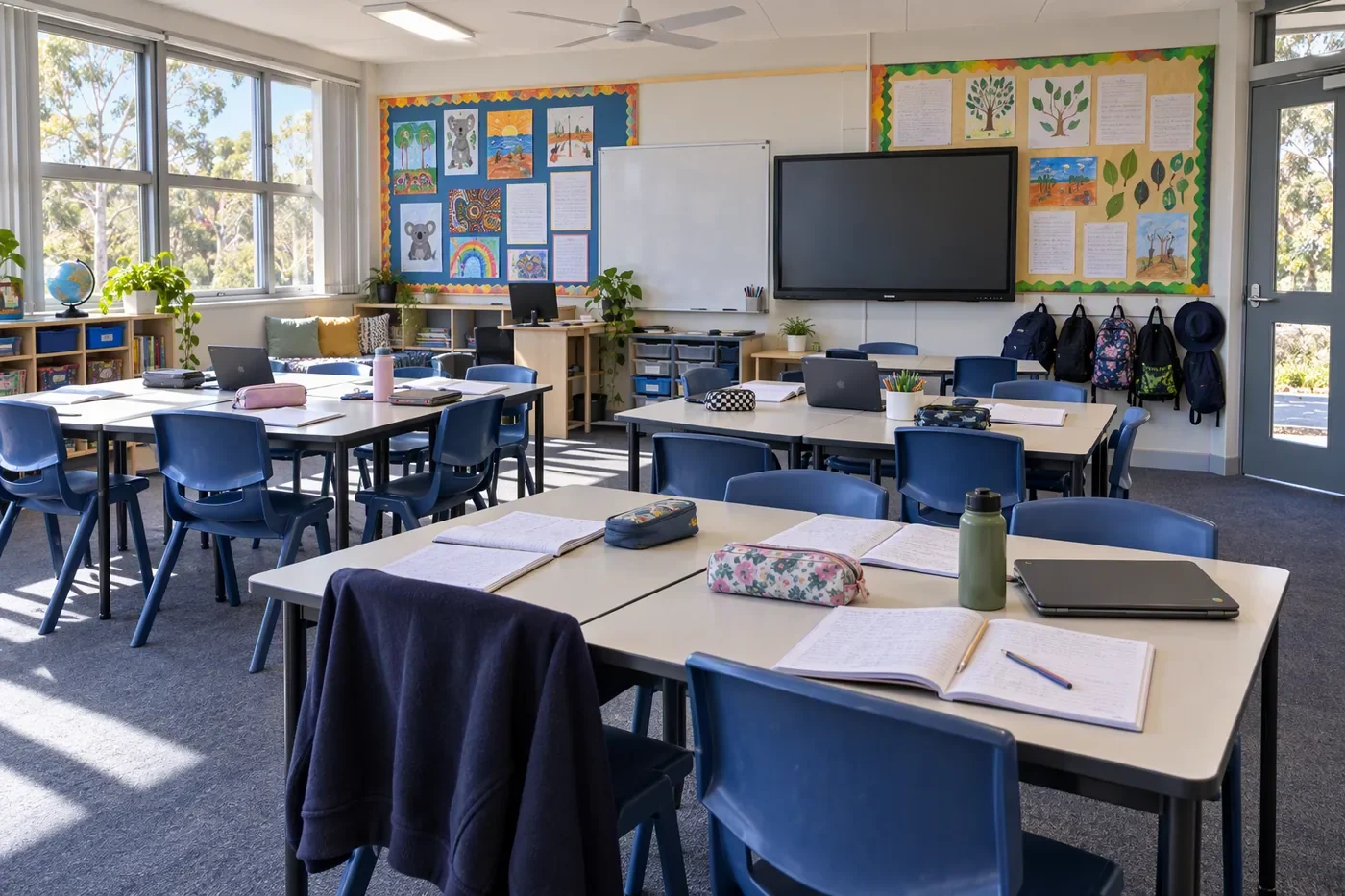
Feedback on their own piece, in minutes
Students see what worked in their piece and one thing to work on, tied to a passage they can find. Your school chooses whether they see scores.
-
Another go, with the feedback beside it
Students keep the feedback beside their writing, change a passage in their own words and see what they changed. Their original piece stays as it was.





How it works
- 01
A place to begin. Students open a daily prompt or an assigned task, read the brief and start exploring their ideas.
- 02
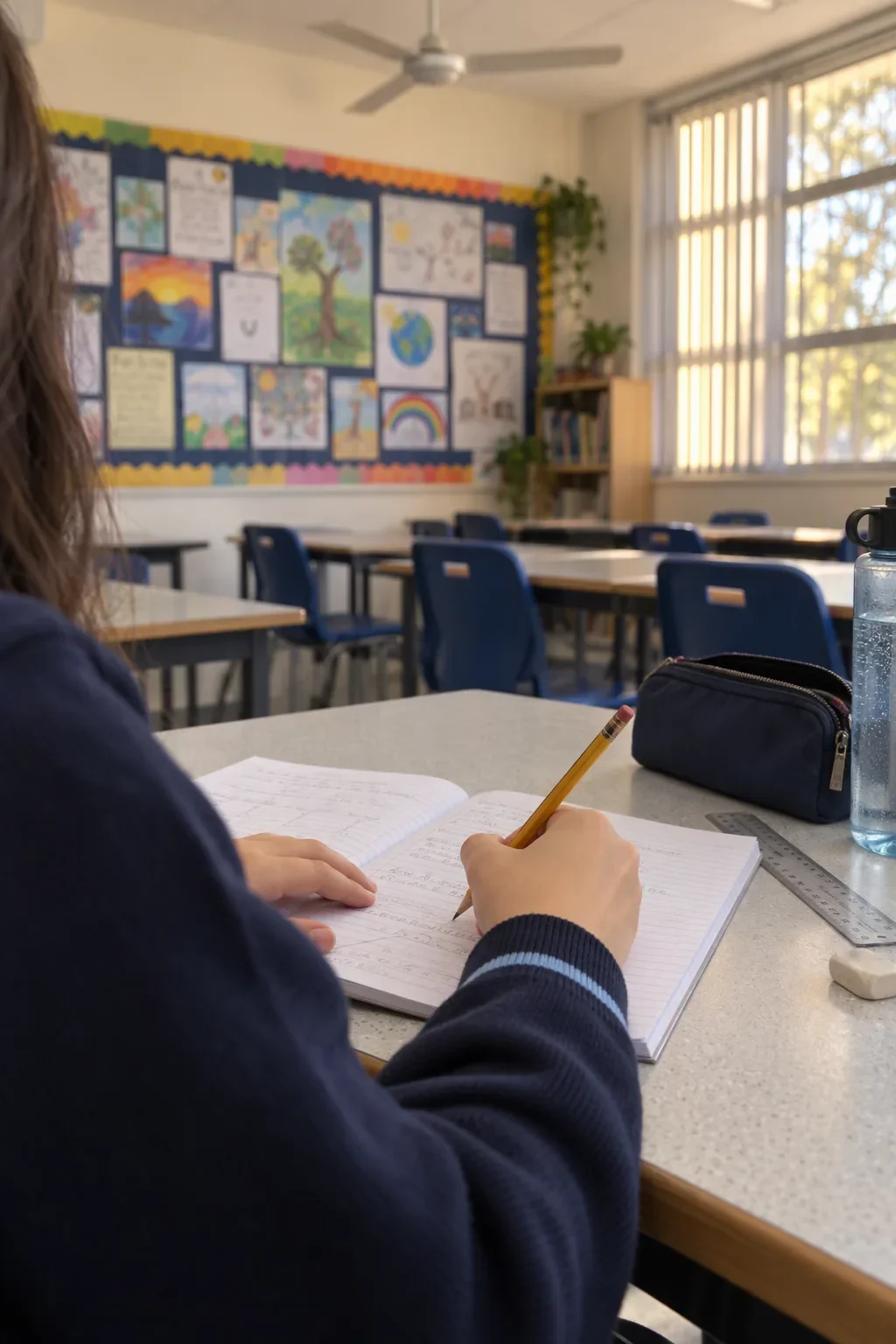
Space to make it their own. Students plan and write in their own words, with tools close at hand when they need support.
- 03
Feedback on their piece. Within minutes of handing in, students read what worked and one thing to work on, and find the passage it is about.
- 04
Another draft with purpose. With feedback alongside their writing, students revisit a passage, add detail or try a different choice of words.
- 05
A collection to return to. Each piece goes on their bookshelf to come back to.
What else is in the student workspace
-
A bookshelf that belongs to them
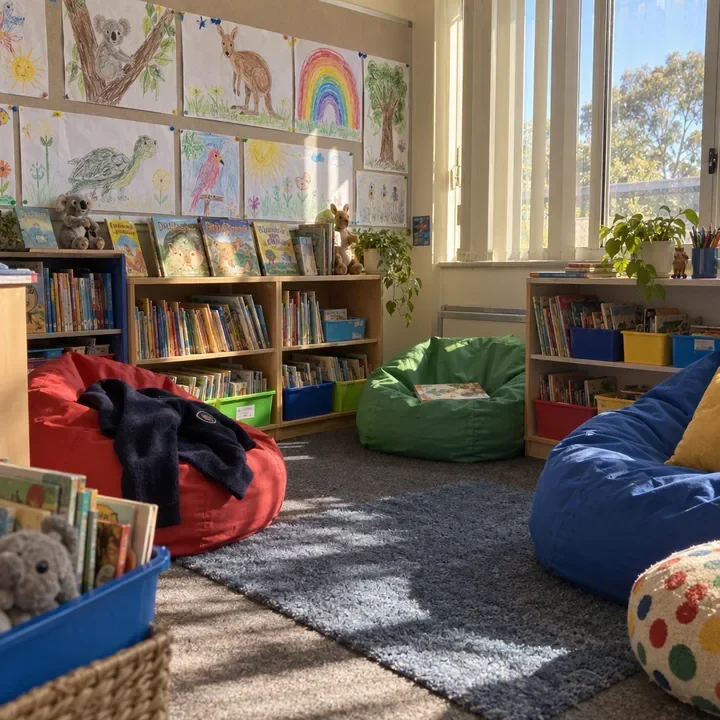
Every piece sits on their bookshelf with an illustrated cover. Pieces marked “Ready to boost” point them back to feedback they can still act on.
-
Hear their writing read aloud
Hear It Back reads their writing aloud, with word highlighting and an adjustable pace, so they can listen for a sentence to change.
-
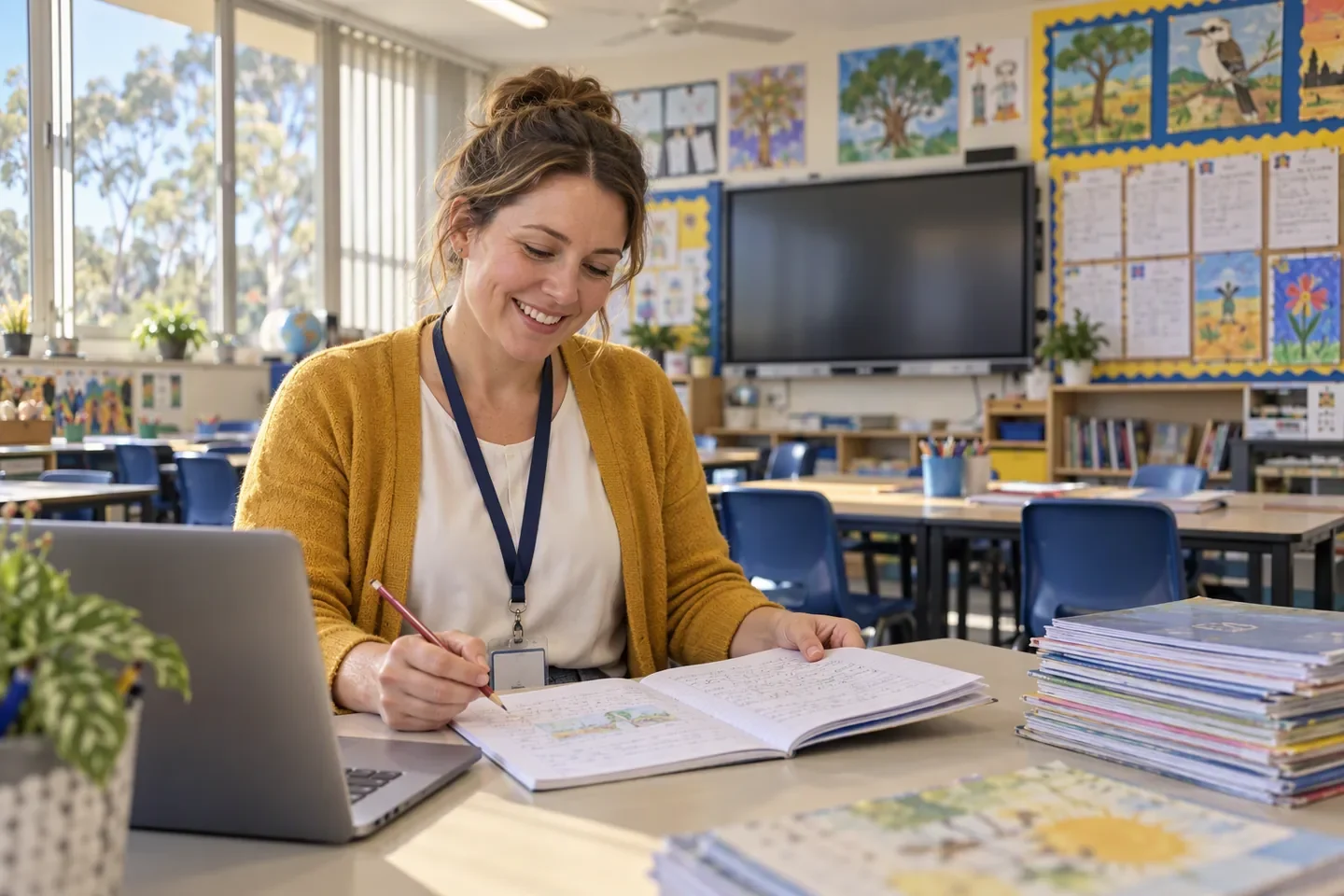
Writing on paper, too
Students read the task prompt, write on paper and give their pages to their teacher. Teachers capture the work, review the editable transcript and send it for marking.
-
The task beside the writing
The task brief stays beside their planning and writing, so they can come back to it as they work.
-

Spelling practice included
Spelling Boost is in the same school plan. Students hear each word in a sentence, take it apart in Word Explorer, and win back missed words in a rematch that gives clues before the answer.


What a student does with their feedback
Their words.
One thing to work on.
With the feedback beside the draft, a student tries a different sentence or adds a detail, then compares the two versions to see what changed.
See one piece go through Frequently asked questions
How do our students get started?
Students sign in through your school and open an assigned task or an available daily writing prompt. Book a school demo to explore the student workspace and how it could fit your classroom routines.
Does Writing Boost write for students?
Students remain the authors. The planner, word tools and questions support their thinking. They choose the ideas, write the sentences and decide what to change.
What happens after students submit their writing?
When feedback is ready, students open their piece to read it. Where revision is available, they can work with the feedback beside their draft and submit their changes. Their original piece and assessment scores stay unchanged; the learning revision records the changes they made.
Can students listen to their writing?
Yes. When writing tools are enabled for a task, Hear It Back reads a selection or the whole piece aloud, with a word highlight and an adjustable pace. Teachers choose whether writing tools are available for a task.
How does handwritten work reach Writing Boost?
Students read the task prompt, write on paper and give their pages to their teacher. Teachers capture the pages, check and correct the editable transcript against the original, then submit the work for marking. Students can read the feedback when it is ready.
How do we open the new student workspace?
If an account opens in the current experience, open the account menu and choose Try the new experience. Students who need help finding that option should ask their teacher. The help centre has instructions for switching experiences.
Can our school choose whether students see scores?
Yes. Your school can choose whether students see scores, with feedback still available when scores are hidden. While a piece is being marked, the student bookshelf shows that feedback is on the way.
Are there points, streaks or leaderboards?
No. There are no streaks, XP or leaderboards for students to chase, and no label on the writer or speller. Students see their own work, their feedback and what they have won back. The app is where schoolwork lives, not a habit to keep alive.
Can students use Spelling Boost in the same workspace?
Yes. Students find spelling practice and their personal rematch in the same student workspace. Spelling Boost and Writing Boost come together in every school plan.
The Writing Boost platform
- Writing Boost Writing marked on the NAPLAN criteria, with feedback students use in their next draft.
- Spelling Boost Spelling taught as sounds, patterns and meaning, with a rematch for every missed word.
- For teachers Class evidence by criterion, and groups for targeted teaching, made from the writing.
- For school leaders Consistent writing evidence across classes, and each year level in view.
- For education systems Shared tasks and school-by-school evidence across a diocese or network.